
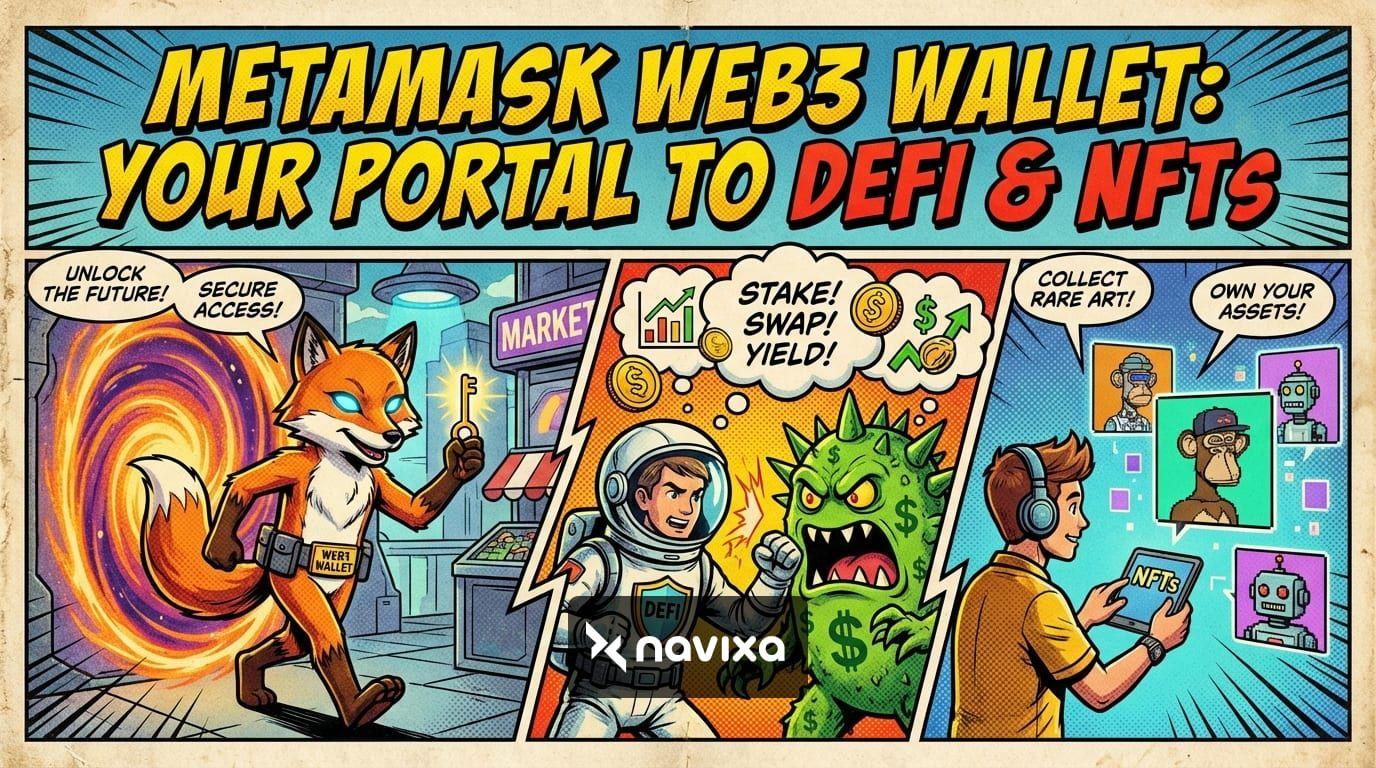
The digital asset landscape is evolving at breakneck speed, and at the center of this financial revolution sits the MetaMask Web3 wallet. What began as a simple browser extension for Ethereum has transformed into a robust, multichain operating system for decentralized finance (DeFi), non-fungible tokens (NFTs), and beyond. With roughly 30 million monthly active users globally, MetaMask has firmly established itself as the premier gateway to the decentralized web.
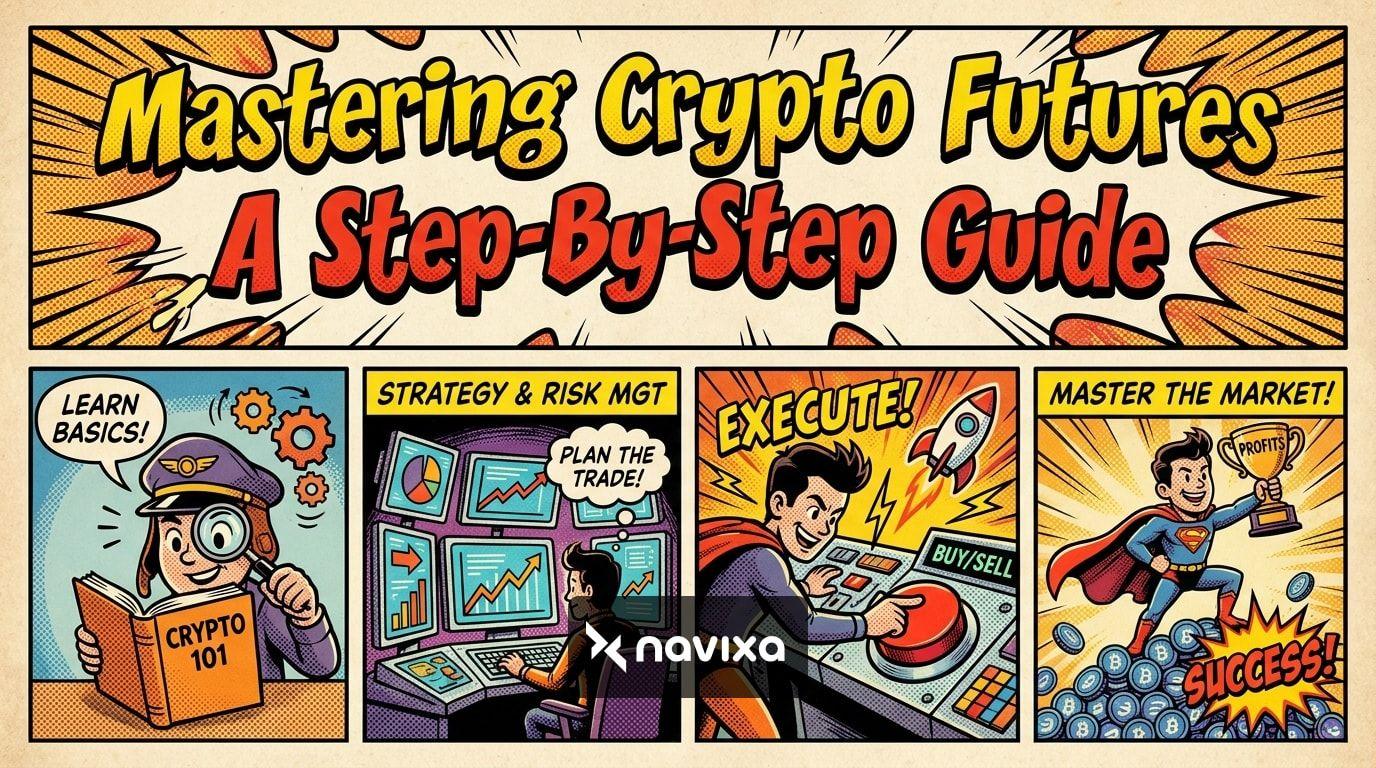
Whether you are a seasoned cryptocurrency trader executing complex perpetual futures or a newcomer looking to purchase your first piece of digital art, understanding how to leverage the MetaMask Web3 wallet is essential. This comprehensive guide will walk you through its core functionalities, advanced trading strategies, and critical security measures, ensuring you can navigate the Web3 ecosystem with absolute confidence and precision.
What is the MetaMask Web3 Wallet?
At its core, the MetaMask Web3 wallet is a self-custodial cryptocurrency software wallet that allows users to interact with blockchain networks directly from their web browser or mobile device. The term "self-custodial" means that you—and only you—hold the private keys to your digital assets. There is no central bank, corporation, or exchange managing your funds; you act as your own bank.
From EVM to Multichain Mastery
Historically, MetaMask was strictly synonymous with Ethereum and Ethereum Virtual Machine (EVM) compatible networks like Arbitrum, Optimism, Base, and Polygon. However, a major paradigm shift has recently occurred. The MetaMask Web3 wallet now features native support for major non-EVM blockchains, most notably Solana (SOL) and Bitcoin (BTC).
By integrating a Multichain API, MetaMask eliminated the need for users to juggle multiple wallets for different blockchain ecosystems. You can now hold, swap, and manage assets across completely disparate network architectures from a single, unified interface, vastly simplifying portfolio management.
The Power of MetaMask Snaps and Smart Accounts
The platform's true potential is unlocked through MetaMask Snaps—a modular plugin system that allows third-party developers to expand the wallet's capabilities securely. With Snaps, users can connect to over 850 different networks, add custom security alerts, and integrate specialized trading tools without waiting for official updates.
Furthermore, the transition toward programmable accounts has turned standard wallets into smart accounts. This evolution brings highly sought-after features like gas abstraction—allowing users to pay transaction fees in any token rather than strictly the native network coin—and automated transaction batching.
"The future of Web3 depends on self-custody: for it to become the default choice for users, we need to make wallets more intuitive, connected, powerful, and safe." — MetaMask Development Team
Setting Up and Funding Your MetaMask Web3 Wallet
Getting started with the MetaMask Web3 wallet is more streamlined than ever, thanks to recent onboarding innovations.
Step 1: Download and Install
Always download the wallet directly from the Official MetaMask Website to avoid sophisticated phishing attempts. It is available as a browser extension for Chromium-based browsers (Chrome, Brave, Edge) as well as Firefox, and as a mobile application for both iOS and Android devices.
Step 2: Choose Your Onboarding Path
Traditionally, creating a crypto wallet required carefully writing down a 12-word Secret Recovery Phrase (SRP). While this remains the gold standard for absolute self-sovereignty, MetaMask now offers Social Login options. You can use your Google or Apple ID to create a secure wallet, significantly reducing the friction for Web3 newcomers. If you choose the SRP route, store it entirely offline—never in a cloud drive, notes app, or an email.
Step 3: Funding the Wallet
You can fund your MetaMask Web3 wallet by transferring cryptocurrency from a centralized exchange. Alternatively, MetaMask's integrated fiat on-ramps allow you to purchase crypto directly using credit cards, debit cards, Apple Pay, or local bank transfers, bridging the gap between traditional finance and DeFi.
Navigating DeFi and NFTs with MetaMask
The true magic of the MetaMask Web3 wallet lies in its ability to connect you directly to decentralized applications (dApps).
Advanced DeFi, Swaps, and Trading
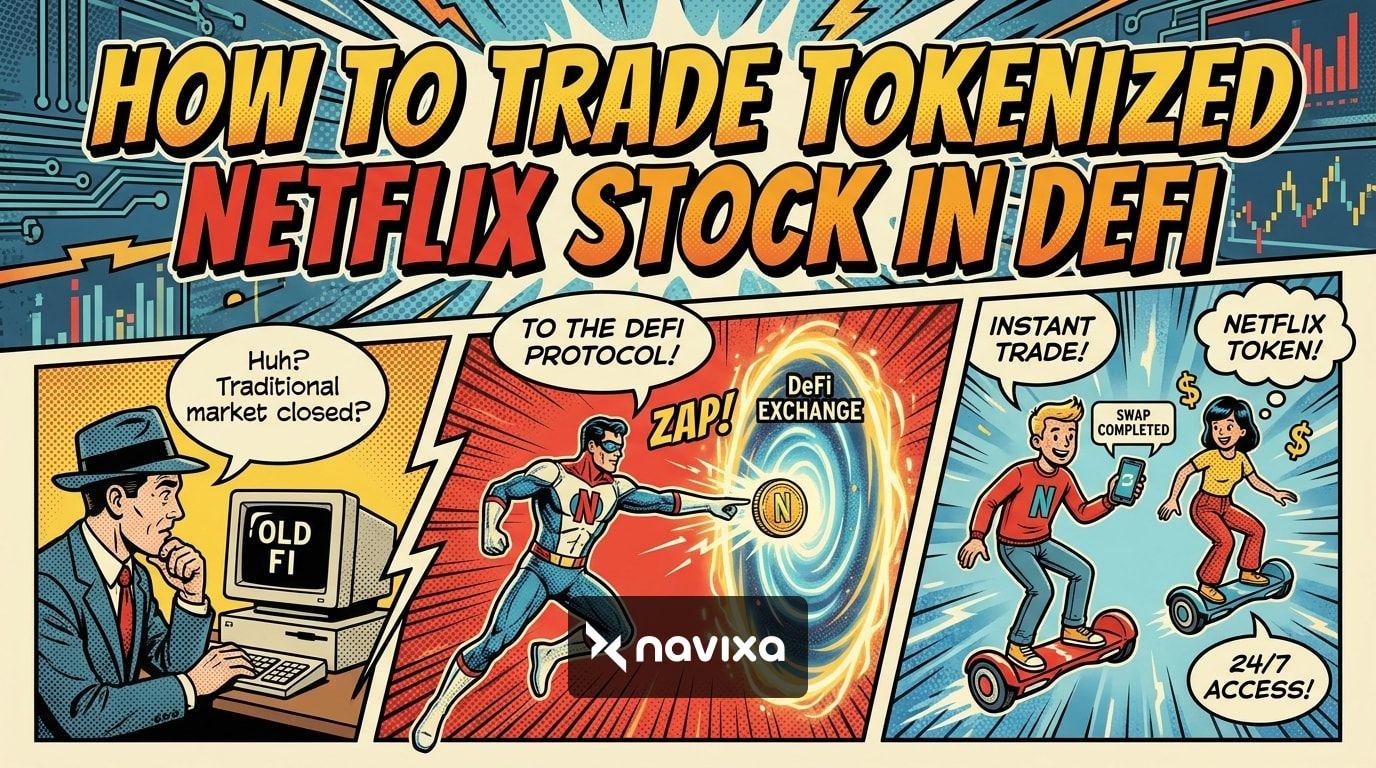
The built-in MetaMask Swaps feature acts as a powerful decentralized exchange (DEX) aggregator. It scans multiple liquidity pools across the ecosystem to ensure you get the best possible execution price for your trades, automatically factoring in network fees to give you an accurate quote.
MetaMask has continuously expanded its in-app capabilities to include advanced DeFi tools. You can now trade perpetual futures or participate in prediction markets entirely within the wallet interface. The newly introduced MetaMask Rewards program also allows active users to earn points and cashback on their everyday token swaps and bridging activities.
Managing Your NFT Portfolio
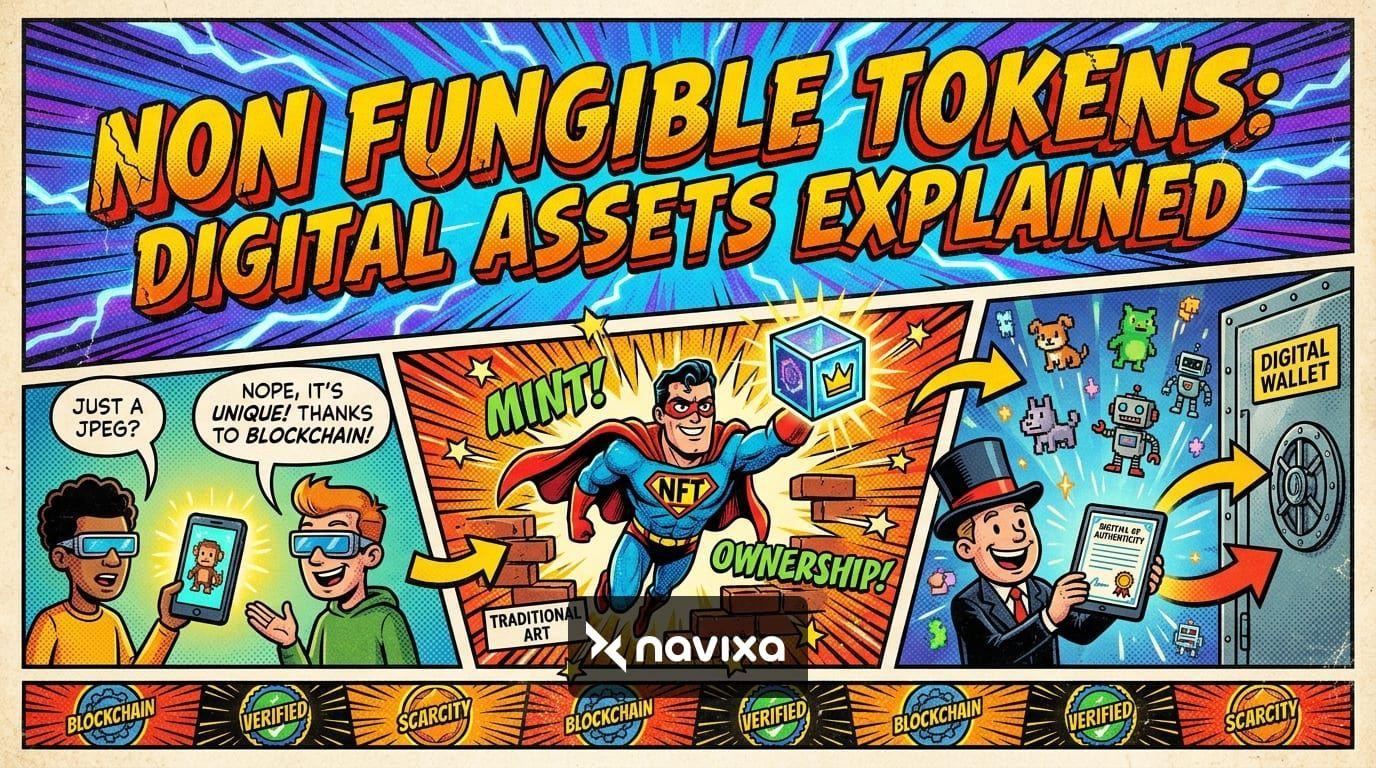
NFTs are much more than digital art; they represent gaming assets, domain names, and digital identity. The MetaMask Portfolio dashboard provides a visually rich interface to view your NFT collections across multiple chains. For gamers, the MetaMask Unity SDK allows a seamless connection between your wallet and Web3 games, enabling direct in-game purchases and secure asset management.
MetaMask Web3 Wallet vs. Competitors
To understand where MetaMask stands in the current market, let's compare it to other leading hot wallets in the cryptocurrency space.
| Feature | MetaMask Web3 Wallet | Phantom | Coinbase Wallet |
|---|---|---|---|
| Primary Ecosystem | Multichain (Ethereum, Solana, BTC) | Solana, Ethereum, Polygon | Ethereum, Base, Solana |
| Monthly Active Users | ~30 Million | ~3 Million | ~11 Million |
| Open Source / Modular | Yes (via MetaMask Snaps) | No | No |
| Fiat Debit Card | Yes (MetaMask Card) | No | No |
| Smart Transactions | Built-in MEV Protection | Limited | Limited |
Crafting a Winning Trading Strategy
Using the MetaMask Web3 wallet isn't just about storing tokens safely; it is about active, intelligent market participation. Here is how advanced traders optimize their daily workflow.
Executing "Smart Transactions"
One of the biggest risks in DeFi trading is Maximum Extractable Value (MEV) bots, which front-run your transactions on public blockchains, resulting in worse execution prices. MetaMask has implemented Smart Transactions, which utilize private transaction channels. This keeps your trade details hidden from the public mempool until they are executed, protecting you from predatory sandwich attacks and ensuring you get the exact price you were quoted.
Technical Analysis and In-App Charting
MetaMask has upgraded its native interface to include more sophisticated charting tools. Traders can perform basic technical analysis, monitor price trends, and track trading volume directly in the app. While advanced day traders may still rely on external charting software, the integrated views are perfect for making quick, informed decisions during volatile market swings without having to break focus.
Gas Optimization
Gas fees have historically been a major pain point for crypto users. With MetaMask's recent gas abstraction features, you are no longer stranded if you run out of a network's native token (like ETH or SOL). The wallet allows you to pay for transaction gas using the very token you are swapping, drastically simplifying the trading process and preventing missed opportunities during sudden market movements.
Ironclad Security & Risk Management
As your primary portal to Web3, your MetaMask Web3 wallet holds the keys to your financial kingdom. Security cannot be an afterthought; it must be your top priority.
Hardware Wallet Integration
For maximum security, pair your MetaMask wallet with a reputable hardware wallet like a Ledger or Trezor. This setup allows you to use MetaMask's intuitive, feature-rich interface to interact with dApps while keeping your private keys strictly offline. Because transactions must be physically approved on the hardware device itself, remote hacks and malware attacks are rendered nearly impossible.
Active Phishing Detection and Transaction Shield
The Web3 space is unfortunately rife with scams, but MetaMask has significantly bolstered its automated defenses. The wallet now integrates third-party phishing detection in partnership with reliable data platforms like CoinGecko to flag malicious websites before you even connect your wallet. Furthermore, the Transaction Shield feature simulates smart contract transactions before you sign them, showing you exactly what assets will leave your wallet, thereby preventing malicious drainer scripts from stealing your funds.
Practical Takeaways
* Embrace Multichain: Utilize MetaMask's native support for Solana and Bitcoin to consolidate your digital asset portfolio into one secure interface. * Leverage Snaps: Customize your wallet by installing MetaMask Snaps tailored to your specific trading needs, enhanced security alerts, and preferred obscure blockchain networks. * Protect Your Seed Phrase: Never share your 12-word Secret Recovery Phrase with anyone. Consider pairing MetaMask with a hardware wallet for your long-term storage and high-value assets. * Use Smart Transactions: Always enable Smart Transactions to protect your high-value trades from MEV bots and front-running on public networks. * Explore Real-World Utility: Look into the MetaMask Card to spend your crypto profits directly in the real world without dealing with centralized off-ramps and bank delays.
Conclusion
The MetaMask Web3 wallet has transcended its humble origins as a simple browser extension to become an indispensable, multichain operating system for the modern digital economy. By combining intuitive onboarding, advanced DeFi trading tools, programmable smart accounts, and robust security features, it empowers millions of users to take true ownership of their financial future.
Whether you are farming network airdrops, collecting rare NFTs, or executing complex perpetual futures trades, MetaMask provides the ultimate portal to the decentralized world. Take the time to explore its advanced features, set up stringent security protocols, and step confidently into the future of decentralized finance today.
Frequently Asked Questions
Is the MetaMask Web3 wallet free to use?
Yes, downloading and using the MetaMask wallet is completely free. However, you will need to pay network transaction fees (commonly known as gas) when moving funds or interacting with blockchain smart contracts. Additionally, MetaMask charges a small service fee (0.875%) if you choose to use its built-in swap aggregator for convenience.
Can I hold Bitcoin (BTC) and Solana (SOL) on MetaMask?
Yes! Thanks to recent major network updates, the MetaMask Web3 wallet natively supports major non-EVM blockchains, including Bitcoin and Solana. This allows you to seamlessly manage these popular assets alongside your Ethereum-based tokens without needing to install or manage a separate wallet application.
What should I do if I lose my device with my MetaMask wallet on it?
If you lose your computer or mobile device, you can easily restore your wallet on a new device using your 12-word Secret Recovery Phrase (SRP) or via your Social Login credentials if you opted for that modern setup method. This highlights exactly why keeping your SRP safe, private, and entirely offline is absolutely critical to your security.
How does MetaMask protect me from scams and phishing?
MetaMask includes built-in, active phishing detection that warns you immediately if you attempt to connect your wallet to a known malicious site or flagged domain. It also features advanced transaction simulation, which previews the exact outcome of a smart contract interaction so you can spot and decline wallet-draining scripts before approving them.