
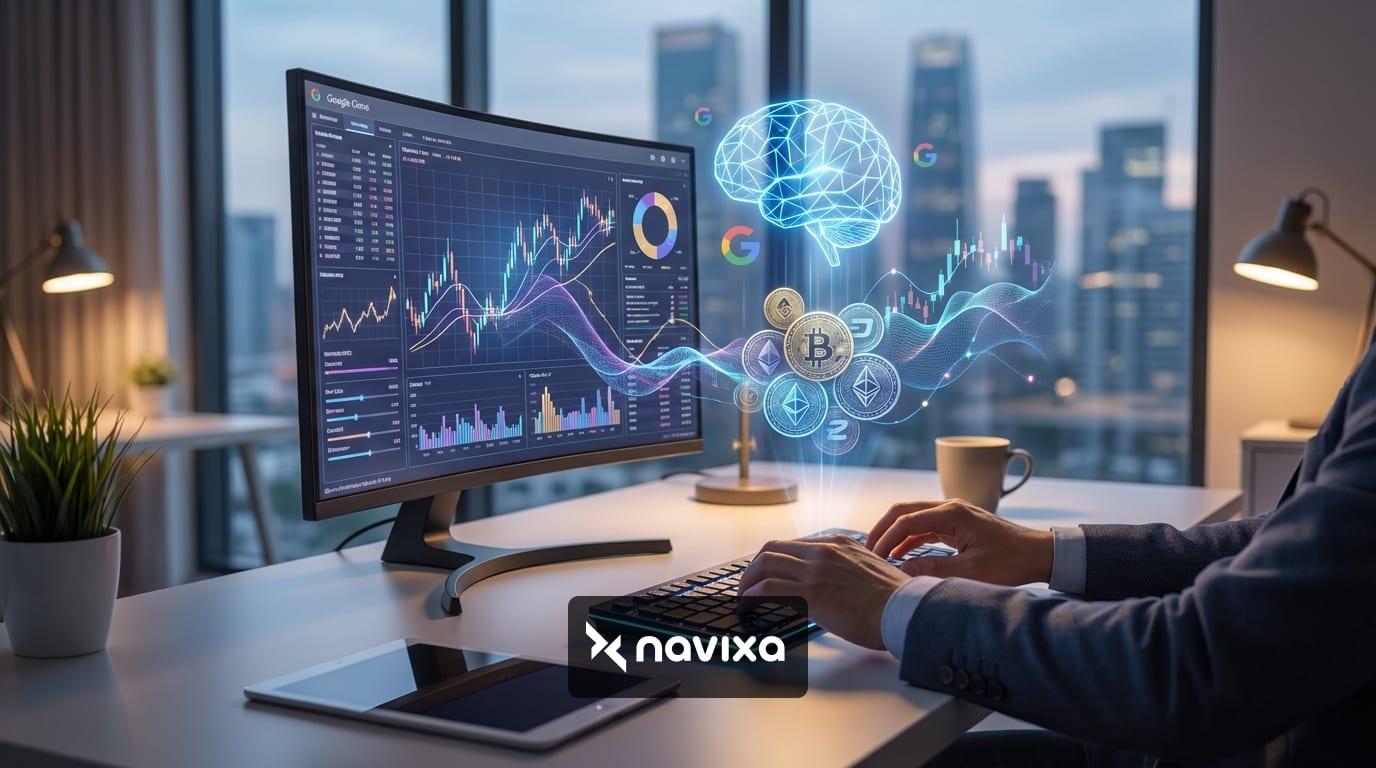
The integration of Artificial Intelligence into financial markets has shifted from a novelty to a necessity. While ChatGPT initially dominated the conversation, Google’s Gemini (formerly Bard) has emerged as a powerhouse for cryptocurrency traders. With its massive context window and native integration into the Google ecosystem, Google Gemini AI trading strategies are offering retail investors institutional-grade capabilities.
Whether you are a technical analyst looking for pattern recognition or a fundamental investor needing to digest 50-page whitepapers in seconds, Gemini represents a significant leap forward. This guide explores how to leverage Google Gemini 1.5 Pro and Flash to enhance your crypto market analysis, automate workflows, and write custom trading scripts.
What Makes Google Gemini Unique for Traders?
Before diving into strategies, it is crucial to understand why Gemini is distinct from other Large Language Models (LLMs) like ChatGPT or Claude. The primary advantage lies in its architecture.
1. Massive Context Window
Gemini 1.5 Pro boasts a context window of up to one million tokens. In crypto terms, this means you can upload the entire history of a blockchain’s development logs, dozens of academic papers, or comprehensive regulatory frameworks in a single prompt. While other models might truncate this data, Gemini can hold it all in "memory" to answer complex queries about correlation or tokenomics.
2. Native Multimodality
Gemini was built from the ground up to be multimodal. It doesn't just "read" text; it can analyze images and video natively. This is a game-changer for technical analysis, allowing traders to upload screenshots of trading charts and ask the AI to identify candlestick patterns, support/resistance levels, or divergence indicators without needing to describe them in text.
Top 3 Strategies for Google Gemini AI Trading
You do not need to be a developer to gain an edge. Here are three practical ways to use Gemini for daily crypto analysis.
Strategy 1: The Whitepaper Audit
New DeFi projects launch daily, often accompanied by dense technical documentation. Analyzing tokenomics (supply schedules, vesting periods, inflation rates) is critical to avoiding scams or "rug pulls."
Workflow:
1. Download the project's whitepaper (PDF).
2. Upload it to Gemini Advanced.
3. Use the following prompt: "Analyze the tokenomics section of this whitepaper. Calculate the fully diluted valuation (FDV) based on the current price. Flag any vesting schedules that unlock more than 10% of supply in the first 6 months. Identify vague language regarding 'team allocation'."
Strategy 2: Visual Chart Pattern Recognition
If you are learning technical analysis, Gemini can serve as a second pair of eyes. By uploading a screenshot of a trading view chart, you can ask Gemini to validate your bias.
Prompt Example: "I am looking at the 4-hour BTC/USDT chart. I see a potential Head and Shoulders pattern forming. Analyze this image and confirm if the volume profile supports this pattern. What are the key support levels if the neckline breaks?"
Strategy 3: Sentiment Analysis via Google Search
Unlike offline models, Gemini is connected to the internet. It can scan real-time news to gauge market sentiment. This is vital during high-volatility events like FOMC meetings or regulatory announcements.
You can ask: "Search for the latest news regarding the SEC's stance on Ethereum ETFs from the last 24 hours. Summarize the sentiment as Bullish, Bearish, or Neutral and list the top 3 sources." This saves hours of manual browsing.
Automating Trades: Writing Python Scripts with Gemini
For advanced users, the true power of Google Gemini AI trading lies in code generation. Gemini excels at writing Python scripts for the CCXT library, which connects to hundreds of crypto exchanges like Binance, Coinbase, and Kraken.
Step-by-Step Bot Creation
1. Define the Strategy: Be specific. "Create a Python script using CCXT that fetches the 1-hour OHLCV data for ETH/USDT from Binance. Calculate the RSI (Relative Strength Index). If RSI < 30, print 'Buy Signal'. If RSI > 70, print 'Sell Signal'."
2. Refine the Code: Gemini will output the code block. You can ask it to add error handling or API key authentication (never share your real keys in the chat!).
3. Backtest: Ask Gemini to generate a CSV file of synthetic price data to test your script's logic before running it with real money.
For more on coding trading bots, check out this guide on automated crypto trading strategies.
Google Gemini vs. ChatGPT (GPT-4o) for Traders
While both models are excellent, they serve different purposes in a trader's toolkit. Gemini 1.5 Pro leads in data ingestion size, while ChatGPT 4o often has a slight edge in creative writing. For pure analytical power, the comparison below highlights why Gemini is gaining traction.
| Feature | Google Gemini 1.5 Pro | ChatGPT (GPT-4o) |
|---|---|---|
| Context Window | 1 Million Tokens (Huge Edge) | ~128k Tokens |
| Live Data Access | Yes (via Google Search Integration) | Yes (via Bing Search) |
| Chart Analysis | Native Multimodal (Upload Screenshots) | Vision Capabilities (Upload Images) |
| Ecosystem | Deep Integration (Sheets, Docs) | Standalone / Microsoft Copilot |
| Coding Support | Excellent (Python/Java/C++) | Excellent (Broad language support) |
The 1 million token window allows you to analyze months of trade logs or minute-by-minute price CSVs that would simply crash other models. This makes Gemini superior for big data analysis in crypto.
Risks and Limitations to Watch
Despite its power, AI is not infallible. When using Gemini for trading, be aware of the following pitfalls:
1. Hallucinations: AI can confidently invent price targets or historical data. Always cross-reference specific numbers with a trusted source like CoinMarketCap or TradingView.
2. Lag Time: Even with search integration, there is a delay. Gemini is an analysis tool, not a high-frequency trading execution engine. Do not rely on it for scalping 1-minute candles.
3. Code Security: When generating trading scripts, ensure you understand the code before running it. AI-generated code can sometimes contain infinite loops or logical errors that could drain a wallet if not tested properly.
Conclusion: Integrating Gemini into Your Workflow
Google Gemini is more than just a chatbot; it is a sophisticated data analyst available 24/7. By leveraging its large context window for whitepaper audits and its multimodal capabilities for chart analysis, traders can reduce research time and increase the precision of their market entries.
To stay ahead in the fast-paced crypto market, start experimenting with Gemini 1.5 Pro today. Upload your portfolio data to Google Sheets, connect it with Gemini, and uncover insights that manual analysis might miss. For further reading on AI in finance, explore the official Google DeepMind blog to keep up with the latest model updates.